Source-check dates use Korea Standard Time (UTC+9): LG U+, November 9, 2026; Apple, November 8, 2026.
It depends on the exact plan. Before buying a Korea travel eSIM, check whether it includes a Korean phone number, incoming SMS, outgoing calls and texts, and the type of verification you need. Mobile internet alone does not establish that those features are included.
When this matters
Imagine arriving with working maps and messaging apps, then trying to register for a service that sends a code to a Korean number. Your data connection may work perfectly while your plan does not support that verification step. Check the specific app and product before purchase if this is essential to your trip.
AI-generated conceptual illustration, not a real product screen, service demonstration or location photograph.
An example from LG U+
LG U+’s FAQ says its Voice/SMS service supports SMS verification for restaurant and taxi apps, but its data-only service does not support SMS verification. LG U+ says these visitor products do not support banking or government identity verification. A phone number or an ordinary text message therefore should not be treated as proof that a formal identity check will work.
There is a wrinkle in the published guidance: the FAQ table lists incoming calls/texts for Data Only, while its setup guide describes Data Only as having no voice or text support. Ask LG U+ to confirm ordinary incoming-text support for your exact product. Both sources say Data Only does not support SMS verification. Read the LG U+ FAQ.
The setup guide says its Data+Voice option includes a Korean 010 number. It also says voice functionality cannot be added to a Data Only plan after purchase. Data+Voice can be selected with zero voice minutes and topped up later. For that eSIM, the guide directs customers to an airport counter for passport verification and their QR code. Read LG U+’s setup guide.
These are examples from LG U+’s visitor products, not rules for every eSIM sold for Korea.
Before departure: check your phone and home plan
For an iPhone, open Settings → General → About and check Carrier Lock. Apple says an unlocked phone shows “No SIM Restrictions.” You need an unlocked iPhone to use another carrier abroad; also check the travel provider’s compatibility requirements for your exact device.
If you keep your home line active alongside a travel eSIM, home-carrier roaming fees may still apply. Apple’s travel guidance warns about this even when the travel eSIM supplies data. Check your home plan’s terms before relying on it for calls or texts. Available features and setup options vary by model, software, country or region, and plan. Read Apple’s international eSIM guide.
Ask these questions before paying
- Does this product include a usable Korean number?
- Can it receive ordinary texts and my specific app’s SMS codes?
- Are outgoing calls and texts included, extra-cost, or unavailable?
- Must I visit an airport counter before phone services work?
- Can voice service be added later?
Save the product details and activation instructions. Recheck the current terms with the seller rather than assuming that “Korea eSIM” describes one standard package.
If your main goal is a restaurant booking, first check whether the restaurant offers an international booking service that accepts an overseas number or email. Our Korean restaurant reservation guide covers CATCHTABLE Global as one option. Buying a Korean-number plan is not the only possible route, and requirements vary by service.
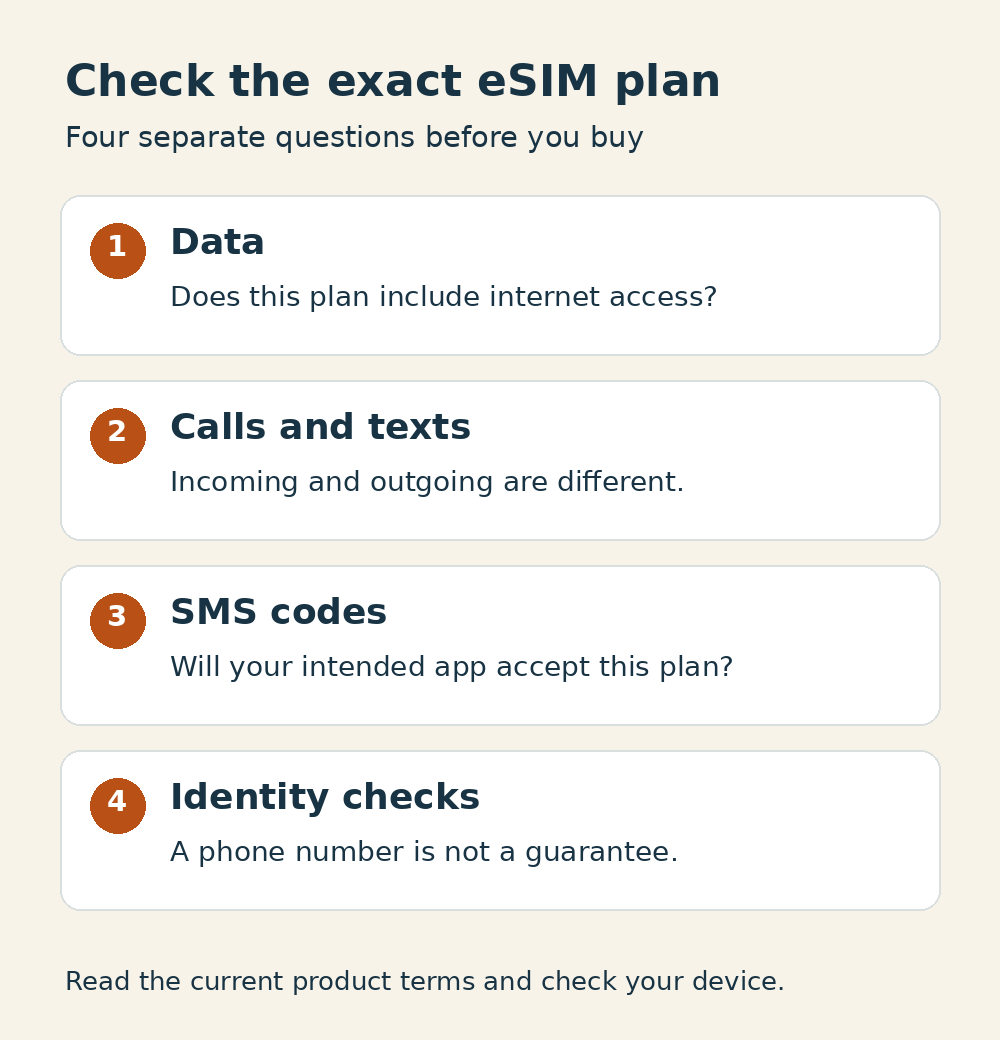
Original editorial checklist. The same checks are explained in the text above.
This is a document-based guide. No eSIM purchase, activation, call, SMS or app-verification test was performed.
QUESTIONS & EXPERIENCES
Comments 0
Share a question or experience about this guide, then keep the conversation going with replies.
No published comments yet. Be the first to share a question or experience.