Yes—participating restaurants on CATCHTABLE Global can be booked without a Korean phone number, according to its developer. A waitlist is not a confirmed table at a chosen time.

Official information checked October 29, 2026. This guide is for US and other international visitors dining in Korea. It is based on official documentation, not a personal booking test.
Start with the international service
KTO describes email sign-in and overseas-card deposits. Start from its official guide or the CATCHTABLE Global website; other booking systems may have different requirements.
The US iPhone listing identifies the developer as WADcorp and currently requires iOS 16.7 or later. An Android listing is also available. Check your device’s store for compatibility before relying on the app during your trip.
Choose a reservation—not accidentally a queue
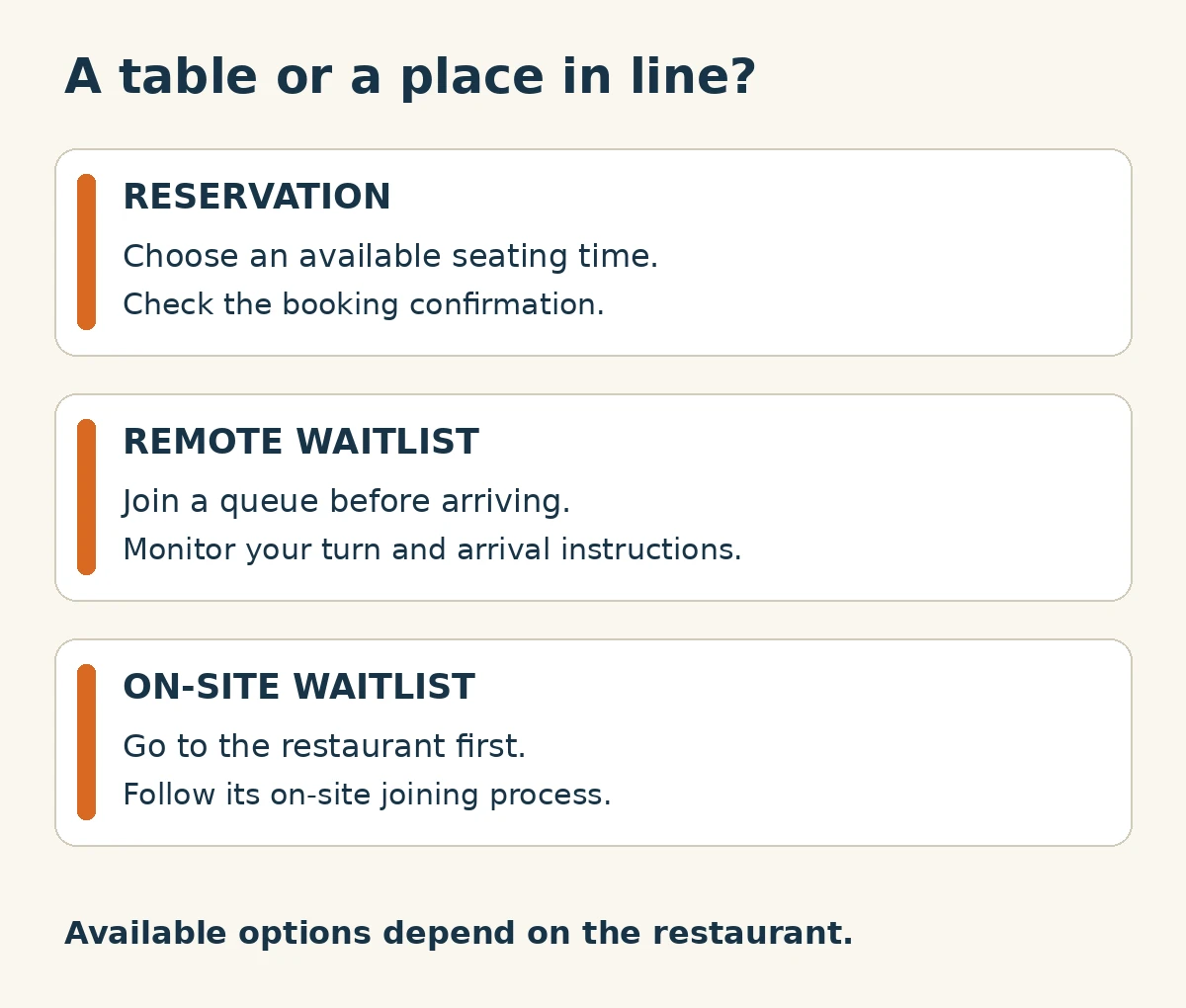
- Reservation: select an available time.
- Remote waitlist: join before arrival and monitor your turn.
- On-site waitlist: join at the restaurant.
Options vary by restaurant. KTO’s guide dates from June 2026; check current details.
A practical pre-booking checklist
- Match the restaurant and branch. Compare the name, street address and map location with your itinerary. A similar name is not enough.
- Set your date, party size and time. The developer lists these as search filters. Check the displayed date and time zone before paying; do not assume it uses your US home time.
- Read the specific terms. Check the displayed currency, deposit, cancellation deadline, refund conditions and any arrival instructions. Do not treat a deposit as proof that the entire meal is paid for.
- Look for confirmation. The developer says reservations appear through email and in-app notifications and can be tracked in My Dining. Verify the correct branch, date, party size and status—not merely that a button was tapped.
- Keep the details accessible. Save the address and confirmation for your own reference. If you joined a queue, keep checking its status and follow the restaurant’s instructions for returning.
What this does not guarantee
Overseas-card support does not guarantee every transaction or table. Check your restaurant’s availability and payment terms; no booking was tested here.
There is no single cancellation or refund promise in this article. Read the terms shown for your actual booking before committing; if something is unclear, contact the restaurant or official service support first. This is especially important for deposits and last-minute changes.
You do not need to grant every optional app permission just to use the service: the developer lists location and photo/camera access as optional. Enable only what you need, and avoid sending card details through unofficial messages.
Official references
- KTO: CATCHTABLE Global reservations and waitlisting — June 23, 2026 guide; checked October 29.
- WADcorp’s US App Store listing — platform requirements and developer-described features; checked October 29.
- Official Android app listing — developer description updated August 19, 2026; checked October 29.
QUESTIONS & EXPERIENCES
Comments 0
Share a question or experience about this guide, then keep the conversation going with replies.
No published comments yet. Be the first to share a question or experience.